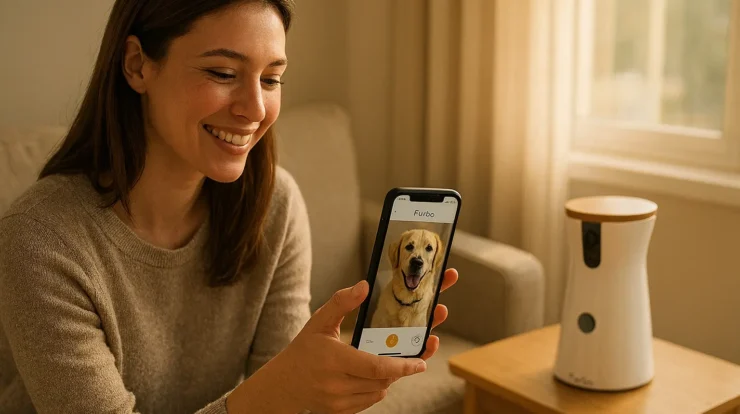


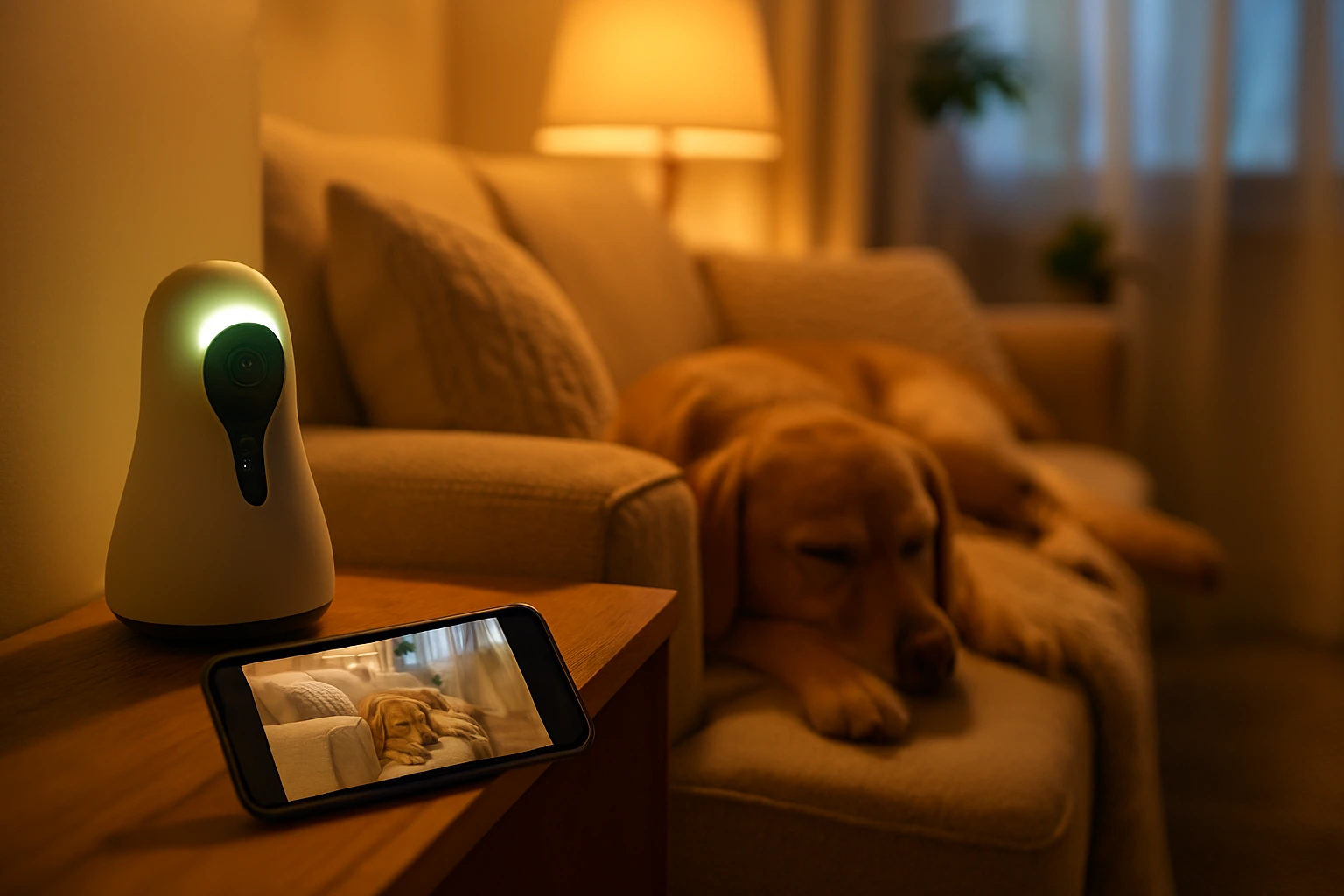
Before we dive in, let’s talk about what’s on people’s minds. These are the real questions pet owners ask (sometimes at 2 a.m.) when I seek best pet camera:
- “Will this camera let me talk to my pet and see them clearly, even in low light?”
- “Does it require a monthly subscription or hidden fees?”
- “What if my pet knocks it over or chews on the wire?”
- “How wide is the viewing angle? Will I see just the corner of the room or the whole space?”
- “Can it toss a treat (or at least respond somehow) so my pet doesn’t just stare at a black screen all day?”
- “Is it secure? Could someone hack into it?”
- “Is this camera really worth it, or am I just paying for stress?”
If you’ve asked any of those (or thought you might), you’re in good company.

What to Look for in the Best Pet Camera
Here are the features I personally wish someone had explained more simply when I was comparing cameras (yes—I’ve done the midnight scrolling too).
| Feature | Why It Matters | Tip or Mini Caution |
|---|---|---|
| Video Quality & Low-Light | If the camera is blurry or dark, you’ll miss the cute (or concerning) moments. | Go for at least 1080p, and make sure it has good night vision. |
| Two-Way Audio | You want to hear and speak to your pet. It feels better for both of you. | Test it before you leave home—some mics echo or lag. |
| Pan / Tilt / Wide Angle | Pets move. Static cameras often miss the action. | A 170–360° horizontal view or tilt helps cover more ground. |
| Treat Dispenser / Interaction | It transforms “just watching” into “you and me, even when apart.” | But check: some feeders clog, or require special kibble. |
| Motion / Sound Alerts & Smart Detection | You don’t want a flood of “movement detected” alarms for shadows or curtains. | Look for models that distinguish pets vs humans vs general motion. |
| Local Storage vs Cloud / Subscription | Cloud plans are convenient, but recurring costs add up. | If possible, choose a model with optional local (SD card) storage. |
| Durability & Placement Options | If your pet is curious, the camera itself becomes part of their world. | Consider a sturdy mount or a camera with protective casing. |
| Security | A camera that gets hacked defeats the purpose. | Always change default passwords, enable firmware updates, and secure your WiFi. |
8 Best Pet Camera Options (Often Available on Amazon)
Below are eight pet cameras that balance different feature sets, budgets, and use cases. (Always double-check the Amazon listing, newer versions may exist.)
Here are a few standouts with what makes each special. (Note: some “variants” in the list are close siblings just to show choices.)
- Wyze Cam Pan v2 360° Pet Camera — Great all-around pick. 360° pan, solid app, and no frills.
- Petcube P8988 (Laser + Treat) — Adds a laser toy + treat dispensing, fun especially if you have an active cat.
- VIMTAG 3.5K Indoor Camera — Offers high resolution (3.5K) in case you want extra detail.
- Generic 2‑Way Indoor Pet Camera — Simpler 2-way audio option, good for smaller rooms or lower budgets.
- 360° PTZ Dog/Cat Camera — Has pan/tilt/zoom control, ideal for larger rooms.
- 2‑Way Video Calling Pet Camera — Emphasizes real-time calling, good when you just want to check in quickly.
- and the Other two is Vimtag alternative
Tips for choosing among them:
- If you want a solid balance between price and function, the Wyze Cam Pan is a safe bet.
- For cats who love chasing lasers, the Petcube option gives “fun + monitoring” in one.
- If you have a larger room or open floor plan, go for a PTZ or wide-angle model.

How to Use & Introduce the Camera (so your pet isn’t weirded out)
Let me share a quick story: I once set up a camera facing the sofa, only to realize my cat thought it was a toy and batted at it continuously. After rearranging and walking him through it, he calmed down. Here’s how to ease your pet in:
- Place it early. Before you leave, put the camera in your pet’s space for a day or two so they can inspect it while you’re around.
- Use treats & praise. Trigger the treat function (if it has one) while you’re in the room, so your pet associates the camera with something good.
- Talk naturally. Use the two-way audio gently. A calm voice is less startling than a sudden loud “Hello!”
- Check angles. Record a short test video to see if you can see the spots your pet most frequents (bed, water bowl, window).
- Don’t obsess. It’s tempting to check the feed every 5 minutes. Try setting “check times” so you don’t stress yourself.
Common Concerns & My Honest Thoughts
“I’ll check it nonstop and worry more.”
Yes—that’s real. If you feel compelled to obsessively peek, set limited check-in windows (for example, 3 times a day). The point is peace of mind, not anxiety.
“The camera will get hacked.”
It’s rare if you take basic precautions: change default passwords, keep firmware up to date, and use strong WiFi encryption. The Comforted Canine Dog Sitting
“Does this feed quality treats?”
Some cameras only toss dry kibble; others aren’t perfectly reliable. Test with small amounts and favor devices known for reliability (read user reviews).
“Is it really worth the money?”
For many pet parents, seeing your pet safe, alive, and maybe a little silly while you’re out is worth it. You’ll also spot behaviors (like pacing or barking) that you otherwise wouldn’t know about. But if it stresses you more, skip it.